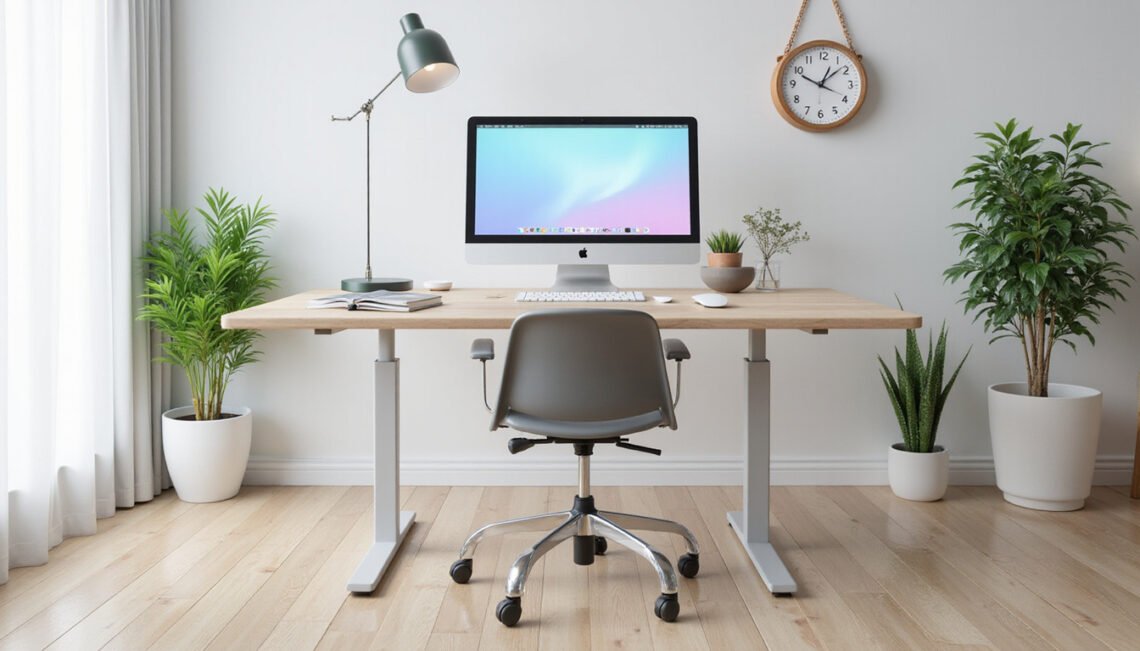
If you want to feel better at work and get more done without long, expensive changes, focusing on ergonomics can deliver instant wins. Within minutes you can rearrange your workspace, tweak posture, and change simple habits to reduce fatigue, pain, and distraction — and that often translates into higher productivity and better focus.
Why ergonomics matters for comfort and focus
Poor ergonomics strains muscles, compresses nerves, and forces your body into inefficient positions that sap energy. Over time, this leads to stiffness, headaches, and lower back pain. But with small, targeted fixes you can neutralize many of those stressors. Think of ergonomics as the art of making your environment fit you — not the other way around — so work feels easier and you can sustain focus longer.
Quick desk hacks that make a big difference
You don’t need a complete office overhaul to benefit. Try these instant adjustments:
- Raise your monitor so the top third of the screen is at or just below eye level. This reduces neck flexion and forward head posture.
- Position the monitor about an arm’s length away to cut eye strain.
- Keep your keyboard and mouse close enough that your elbows stay near your sides and your wrists remain neutral.
- Use a chair that supports the natural curve of your lower back, or add a lumbar roll.
- Place frequently used items (phone, notepad, pen) within easy reach to avoid repetitive twisting.
These small changes are simple but powerful: they realign your body, shorten reach times, and reduce micro-movements that cumulatively drain energy.
Posture tweaks that are comfortable, not rigid
Good ergonomics doesn’t mean sitting bolt upright like a statue. It’s about balanced support and movement:
- Feet flat on the floor or on a footrest.
- Knees at about hip height or slightly lower.
- A slight recline (100–110 degrees) often reduces lumbar pressure versus a perfectly vertical posture.
- Keep shoulders relaxed and elbows close to the torso.
If your chair height or desk setup makes this impossible, adjust the other elements: raise your chair and use a footrest, or lower the keyboard tray. The goal is a neutral spine and relaxed shoulders so you waste less energy holding yourself up.
Mouse and keyboard: small tools, big returns
Hand and wrist discomfort are common because we underestimate how many micro-movements we do typing and clicking. Try these practical ergonomics hacks:
- Use a keyboard tray to position the keys at elbow height.
- Keep the mouse on the same level as the keyboard and as close as possible.
- Consider a split or low-force keyboard if you type a lot.
- Use keyboard shortcuts to reduce repetitive mouse use.
These adjustments reduce strain and can speed up your workflow by making repeated actions easier.
Move more with microbreaks and targeted stretches
Static sitting is a big enemy of comfort. Introducing movement resets circulation and mental clarity:
- Stand and stretch for 1–2 minutes every 30–45 minutes.
- Do a quick set of neck rolls, shoulder shrugs, and wrist circles.
- Use a standing meeting or walk-and-talk for short discussions.
Microbreaks are an ergonomics strategy that doesn’t interrupt work flow — it enhances it. Studies show short breaks can restore attention and reduce discomfort, improving overall productivity (source).
Lighting, sound, and thermal tweaks that help you focus
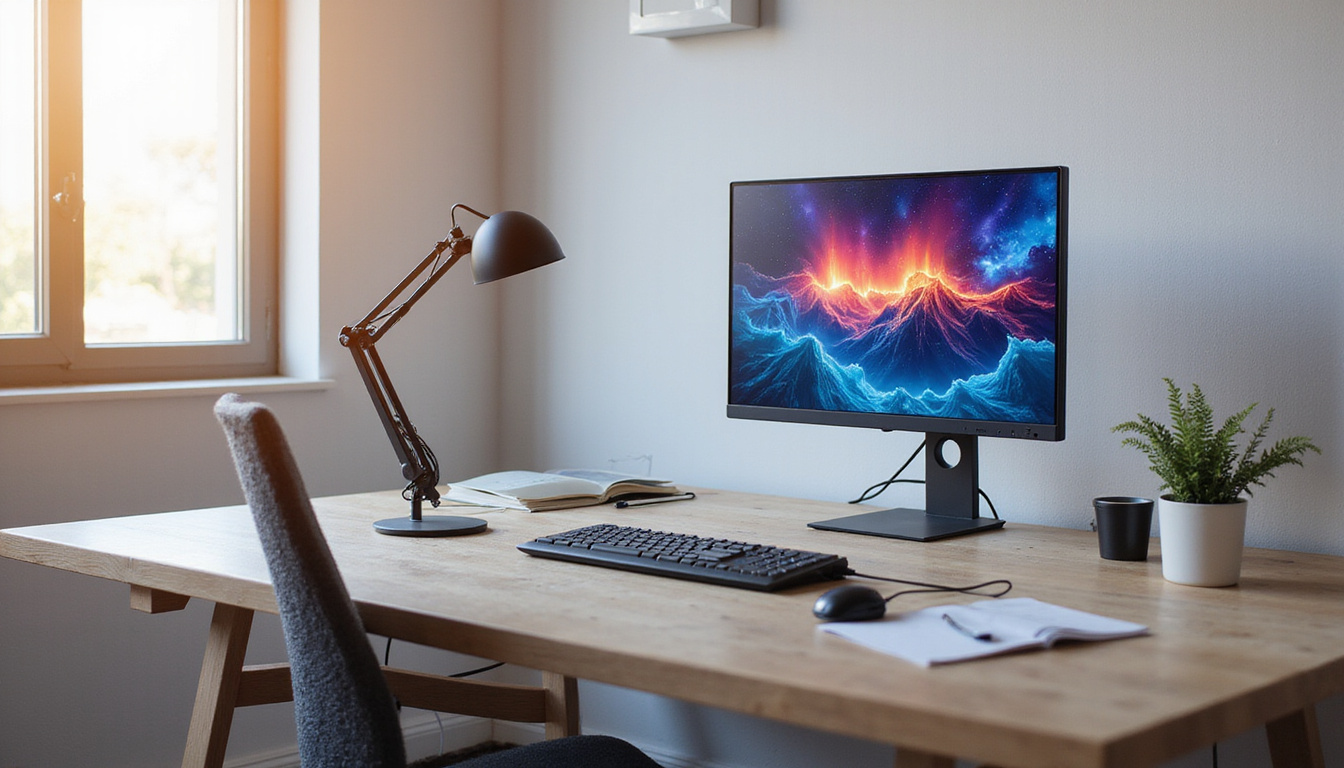
Ergonomics extends beyond furniture. Lighting that’s too bright or too dim causes eye strain and headaches. Position your monitor to minimize glare from windows and adjust ambient light so your screen is the brightest source without being harsh. Use a desk lamp with adjustable intensity for focused tasks.
Noise and temperature affect concentration too. Use noise-cancelling headphones or a white-noise source to block distractions. Keep the room at a comfortable temperature (usually 68–72°F / 20–22°C) to avoid the sluggishness that comes with being too warm or too cold.
Gear that’s worth the investment
Not all equipment is equal. If you decide to upgrade, prioritize items that deliver the biggest ergonomics gains:
- An adjustable office chair with lumbar support.
- A monitor stand or adjustable-arm monitor mount.
- An external keyboard and mouse for laptop users.
- A sit-stand desk or desk converter for flexibility.
- A document holder to reduce neck turning when referencing papers.
These items pay for themselves through reduced discomfort, fewer breaks due to pain, and sustained productivity.
A simple checklist to follow each morning
Use this short, repeatable checklist to maintain good ergonomics every day:
- Align monitor top at eye level and set distance to about an arm’s length.
- Adjust chair height so feet are flat and knees are near hip level.
- Position keyboard and mouse to keep wrists neutral.
- Ensure lighting minimizes glare; adjust brightness as needed.
- Set a timer for microbreaks and stretch every 30–45 minutes.
Common ergonomics mistakes to avoid
- Ignoring discomfort until it becomes pain. Early tweaks prevent chronic issues.
- Setting up a workstation once and never revisiting it. Small life changes (new chair, footwear, or tasks) can require adjustments.
- Over-relying on one posture. Even the best posture becomes a problem if held too long.
- Picking gear solely for aesthetics. Comfort and adjustability are more important than looks.
How to evaluate whether changes are working
Pay attention to three indicators: reduced pain or stiffness, longer periods of comfortable concentration, and fewer breaks needed to “reset” your body. Keep a short diary for a week when you make changes: note discomfort levels on a 1–10 scale in the morning, midday, and end of day. If scores improve, your ergonomics hacks are working.
FAQ — Ergonomics questions people ask
Q: What is ergonomics and why should I care?
A: Ergonomics is the science of designing tasks and environments to fit human abilities and limitations. Better ergonomics reduces pain, prevents injuries, and improves focus — all of which help you work more efficiently.
Q: What are simple workplace ergonomics tips for remote workers?
A: For remote workers, key ergonomics tips include using an external keyboard and mouse with laptops, propping the laptop on a stand so the screen is at eye level, and taking regular microbreaks to stand and stretch.
Q: How quickly will ergonomic adjustments reduce discomfort?
A: Many people feel immediate relief after simple adjustments like raising a monitor or moving the keyboard. More chronic issues can take days to weeks to improve, but consistent ergonomics habits speed recovery and prevent recurrence.
One authoritative source to consult
For evidence-based guidance and detailed workplace ergonomics recommendations, see the Occupational Safety and Health Administration’s ergonomics resources (https://www.osha.gov/ergonomics) (source). OSHA provides practical standards and checklists that complement the hacks in this article.
Final tips for making ergonomics a habit
Start small and iterate. Make one change today — for example, adjust your monitor height — then test it for a week. Add another tweak the following week. Use reminders on your phone or a simple sticky note to cue microbreaks and posture checks. The best ergonomics plan is the one you maintain over time.
Call to action
Ready to make work more comfortable and productive right now? Pick three hacks from this article and apply them today: adjust your monitor, reposition your keyboard and mouse, and set a microbreak timer. If you want a quick, personalized walkthrough, download a free ergonomics checklist or schedule a short consult to identify the 3 highest-impact changes for your workspace. Small changes add up — start improving your comfort and focus today.